whatsapp

Social platform
Messaging Secure Free

WHATSAPP VOICE AND VIDEO CALLS

WhatsApp is a pun on the phrase What's Up.

WhatsApp is free and offers simple, secure, reliable messaging and calling, available on phones all over the world. VirtualGlobalPhone numbers can be used in many countries where we sell mobile numbers and also national numbers in country like Singapore.
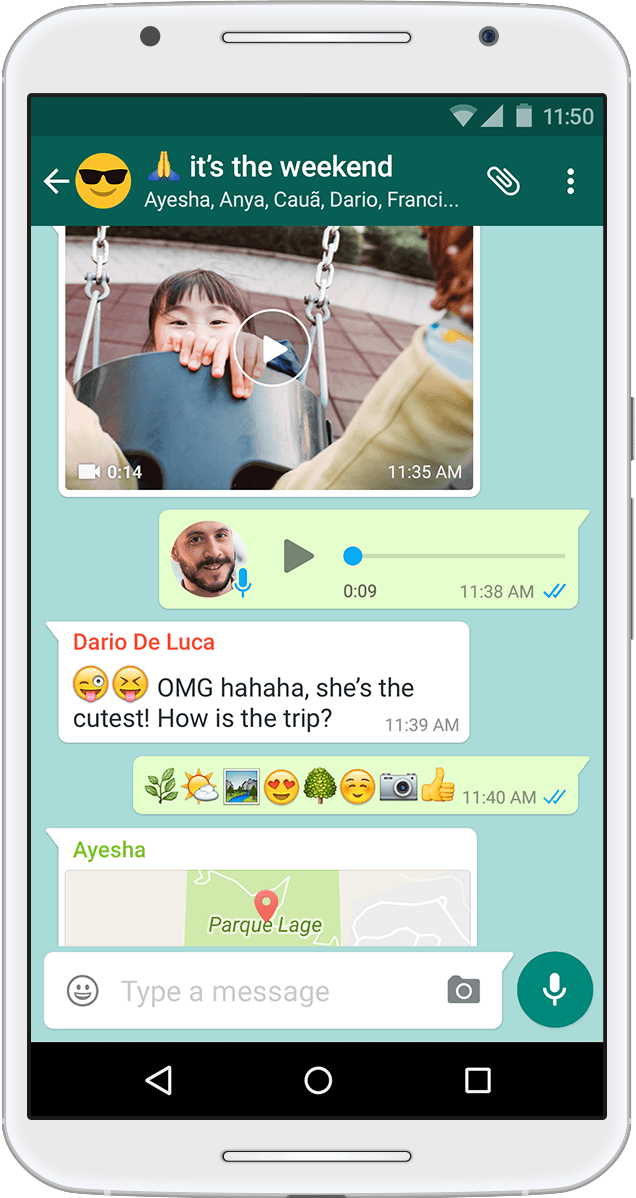
whatsapp
Simple. Secure. Reliable messaging.
Used by more than 2 billion people in over 180 countries anytime and anywhere.

Frequently Asked Questions Whatsapp

Questions? We have the answers. Call us on +1.888.2864484 or +852.5808.6888 or +65.3158.6688 if you have other questions about our services.

Why my VirtualGlobalPhone number is not supported in whatsapp?
  • WhatsApp has their own terms and conditions to allow only certain type of numbers and we have no control over this. Please note VirtualGlobalPhone have no business relation with whatsapp. We dont claim that our numbers can be used in whatsapp.

WhatsApp account on multiple phones, or with multiple phone numbers
  • WhatsApp account can only be verified with one number on one phone. If you have a dual SIM phone, please note that you still must choose one number to verify with WhatsApp. There is no option to have a WhatsApp account with two phone numbers.

    If you attempt to frequently switch your WhatsApp account between different devices, at a certain point, you may be blocked from re-verifying your account. Please don't repeatedly switch between different devices and numbers.

    Note: WhatsApp can only be used with one phone number on one device at a time. After you successfully register your phone number on WhatsApp, anyone who might be using your account is automatically logged out and your account is protected.

Understand Registration and two-step verification.
  • After purchasing compatible number for whatsapp you can proceed to registration just like any other mobile number as below.

    Registration: This screen appears when you're creating a new account or reregistering your existing account. To confirm that you own the phone number, you'll be prompted to enter a 6-digit registration code sent to you via SMS or phone call. Verifying your phone number with a registration code is the only way you can activate your account, and you must be able to receive the code on your phone.

    Two-step verification: This screen appears after you successfully register your phone number on WhatsApp. Two-step verification is an optional feature that adds more security to your WhatsApp account. When enabling this feature, you create and confirm a unique PIN that's required to access your account. The two-step verification PIN is different from the 6-digit registration code you receive via SMS or phone call.

    If you didn't enable two-step verification, but are prompted to enter a PIN, the previous owner of the phone number might have enabled it. In this case, you'll need to wait 7 days before resetting the PIN to access your account.

How to reset your two-step verification PIN?
  • There are several options to reset your two-step verification PIN. This latest and updated article will guide you to reset PIN.

How to verify your WhatsApp Business number?
  • This article will be a good resource guide to learn and register.